
aixsam.dev / tools / content
3 repos that make content
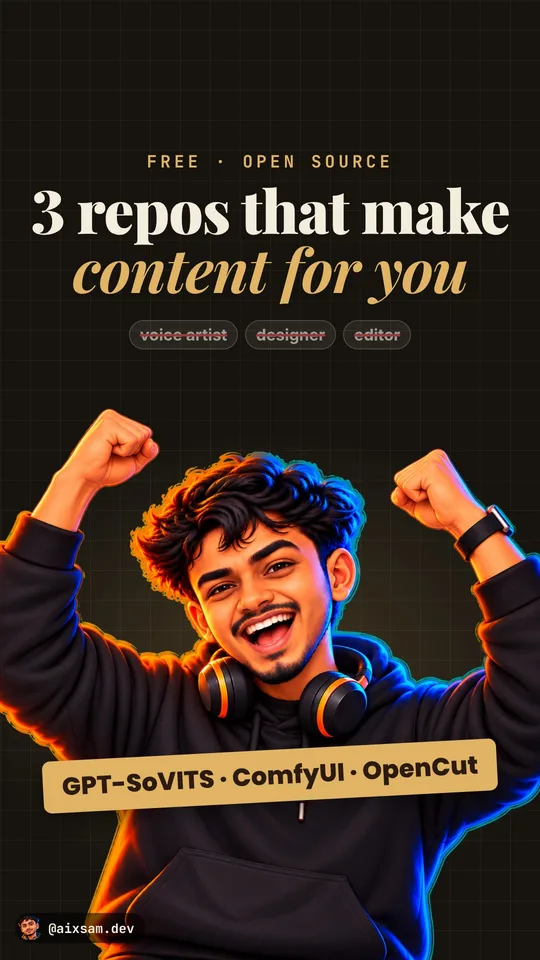
No voice artist, no designer, no editor: GPT-SoVITS speaks in your voice, ComfyUI makes images and AI video on your own computer, and OpenCut edits it all for free.
What is 3 repos that make content?
This guide covers three free, open-source tools that together replace a voice artist, a designer and a video editor: GPT-SoVITS speaks in your voice, ComfyUI makes images and AI video on your own computer, and OpenCut edits everything together.
GPT-SoVITS (by RVC-Boss) clones a voice from about 5 seconds of audio, and gets closer with about 1 minute of training audio. ComfyUI is a visual node editor for image, video, audio and 3D models that runs locally. OpenCut is a free, MIT-licensed video editor; it's being rewritten from scratch, and opencut.app runs the classic version you can use today.
Set them up one at a time. They don't depend on each other.
What 3 repos that make content can do
- Your voice from 5 seconds GPT-SoVITS zero-shot voice cloning, or fine-tune on 1 minute of audio for better likeness.
- Built-in helpers GPT-SoVITS includes tools to separate voice from music, cut training clips and label text.
- Images and video, offline ComfyUI runs models like Flux, SDXL, Wan and LTX-Video on your own graphics card.
- Reusable workflows ComfyUI's templates, subgraphs and local API let you save a workflow and reuse it.
- Free editing OpenCut in the browser at opencut.app, free and open source.
What you need
- A Windows or Mac computer. ComfyUI's video models want a good graphics card (NVIDIA, AMD, Intel or Apple Silicon).
- 7-Zip to unpack the GPT-SoVITS Windows package.
- A clean recording of your own voice, about 5 seconds, plus the exact words you said in it.
- Set up one tool at a time. They don't depend on each other.
Setup, step by stepcopy each command with the button on the right
Download the Windows package
Get the integrated package (a big .7z file) and unpack it with 7-Zip. Tested on Windows 10 and newer.
Start it
Open the unpacked folder and double-click
go-webui.bat. The GPT-SoVITS web app opens in your browser.Make it talk in your voice
In the inference (TTS) part of the app, add your ~5-second clip and type exactly what you said in it. Then type the new text and generate. For better quality, the app can also fine-tune on about 1 minute of your audio.
Mac or Linux instead
Install Miniconda, download the repo, then in its folder:
conda create -n GPTSoVits python=3.10
conda activate GPTSoVits
bash install.sh --device CPU --source HF
On Linux with an NVIDIA card use
--device CU128. On a Mac the project uses the CPU for training on purpose: Mac GPU training gives much worse quality. github.com/RVC-Boss/GPT-SoVITS
Install the desktop app
Download it from comfy.org/download (Windows and Mac) and open it. Linux users follow the manual install in the README.
Start from a template
Pick one of the built-in templates (start with an image one). It tells you which model file to download, then press Run.
Keep it offline
The core downloads nothing unless you ask. It also has optional paid partner nodes; leave them off and everything runs on your own computer for free. github.com/Comfy-Org/ComfyUI
Open it in your browser
Go to opencut.app and open the editor. Nothing to install, and your videos stay on your device.
Edit
Create a project, drop in your clips and voiceover, cut them on the timeline and export.
Run it yourself (optional)
It's open source under MIT, so developers can run their own copy from github.com/OpenCut-app/OpenCut.
Heads up: clone only your own voice, or someone who said yes, and never use a cloned voice to trick people. GPT-SoVITS speaks English, Japanese, Korean, Chinese and Cantonese; Hindi isn't supported yet. OpenCut is an early beta that's being rewritten from the ground up, so keep your original clips. ComfyUI video models are heavy; on a weak graphics card, start with images.
Stuck?
GPT-SoVITS won't open
Make sure the whole .7z unpacked (it's large), then run go-webui.bat from inside the unpacked folder. Keep the black window open while you use the app.
ComfyUI is very slow or runs out of memory
Video models need a lot of graphics memory. Try an image template first, or a smaller video model.
Is OpenCut a full CapCut replacement?
Not yet. It's good for basic editing today; more features are coming with the rewrite.
Questions people ask
Can GPT-SoVITS speak Hindi?
Not yet. It supports English, Japanese, Korean, Cantonese and Chinese, and can speak a different one of those than the language you trained it on.
Do I need a graphics card?
For ComfyUI's video models, yes, a good one (NVIDIA, AMD, Intel or Apple Silicon). GPT-SoVITS is fast on a modern NVIDIA card and works slower on a CPU. OpenCut runs in the browser.
Is OpenCut ready to use?
The classic version at opencut.app is usable today. The project is being rebuilt with desktop, mobile and an editor API, so expect changes.
Can I clone someone else's voice?
Only your own, or someone who has agreed. Cloning a voice without permission can be illegal.
Are they really free?
Yes, all three are free and open source. ComfyUI and its local models cost nothing; you only need the hardware to run them.
Still stuck?
DM me on Instagram with a screenshot of the error and which step you're on.
DM @aixsamdev