
aixsam.dev / tools / moneyturbo
MoneyPrinterTurbo
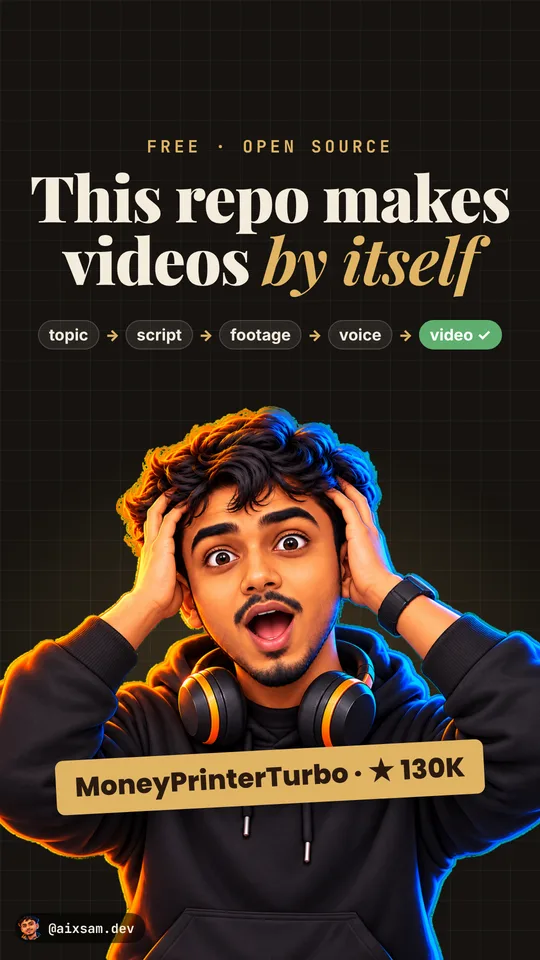
Type one topic and it makes the whole short video for you: script, stock footage, voiceover, subtitles, music, all rendered and ready to post.
What is MoneyPrinterTurbo?
MoneyPrinterTurbo is a free, open-source (MIT) app by harry0703 that turns one topic or keyword into a finished short video. It writes the script with an AI model, finds matching stock footage, adds a voiceover, syncs subtitles, adds background music and renders the video, while letting you change any step.
It runs on Windows, Mac or Linux without a graphics card, because it edits stock clips instead of generating video. You can use it through a web page in your browser, an API, a command line or an AI agent.
Despite the name, it doesn't make money by itself: it makes videos fast. What you do with them is up to you.
What MoneyPrinterTurbo can do
- Topic to video script, voice, footage, subtitles and music in one go, or bring your own script.
- Many AI models OpenAI, Claude, Gemini, DeepSeek, Qwen, Grok and more for the script, or Ollama for a free model on your own PC.
- Free footage and voice stock clips from Pexels and Pixabay, and Edge TTS voices that need no key.
- Your own material upload your own images and videos, or plug in AI video generators if you have a key.
- Subtitles your way font, position, colour, size, outline and background.
- Every format 9:16 (1080×1920), 16:9 (1920×1080) or 1:1 (1080×1080), and batches of several versions at once.
What you need
- A Windows, Mac or Linux computer. 4 GB RAM works, 8 GB is better. No graphics card needed.
- An AI key to write the script: OpenAI, Gemini, DeepSeek, Claude and many more. Or Ollama to run a free model on your own PC.
- A free Pexels API key for the stock video clips.
- Mac or Linux only: Python 3.11 (python.org).
Setup, step by stepcopy each command with the button on the right
Download the one-click package
Open the latest release and, under Assets, download the
.7zfile. Not "Source code (zip)": that one has nostart.bat.Extract it with 7-Zip into a simple folder like
C:\MPT. Avoid folder names with spaces or non-English letters.Update, then start
Double-click
update.batfirst (gets the latest code), then double-clickstart.bat. Your browser opens the app.Blank page? Open it in Chrome or Edge.
Make a clean Python environment
Open Terminal in an empty folder and run:
python3 -m venv .venv
source .venv/bin/activate
Install and start
python -m pip install mpt
mpt webui
The app opens in your browser.
The official package is
mpt. The package called "MoneyPrinterTurbo" on PyPI is made by someone else, so don't install that one.
Add your keys
In the app's basic settings:
- Pick your AI provider and paste its key (or choose Ollama for a free local model).
- Paste your Pexels key.
- For the voice, pick Azure TTS V1: it runs on Edge TTS, which is free and needs no key.
Make your first video
Type a topic, choose 9:16 for Reels/Shorts, and hit generate. It writes the script, finds clips, adds the voiceover, subtitles and music, and renders an MP4.
Finished videos are saved in the app's data folder under
storage/tasks(Windows:%LOCALAPPDATA%\MoneyPrinterTurbo, Mac:~/Library/Application Support/MoneyPrinterTurbo).
Try this first
Heads up: The background music folder (resource/songs) ships with some tracks taken from YouTube videos. The authors say to delete them if copyright is a worry, so use your own music before posting.
Stuck?
"RuntimeError: No ffmpeg exe could be found"
Download FFmpeg from gyan.dev, extract it, and put its path in config.toml:
[app]
ffmpeg_path = "C:\\Users\\you\\Downloads\\ffmpeg.exe"
The app page is blank
Open it in Chrome or Edge.
"Too many open files" (Mac/Linux)
ulimit -n 10240I don't want to install anything
Run it in Google Colab instead, straight from your browser.
Questions people ask
Is MoneyPrinterTurbo free?
The app is free and MIT licensed. Pexels footage and Edge TTS voices are free too. The AI that writes the script may cost a little, unless you use a free local model with Ollama.
Do I need a graphics card?
No. It edits stock footage, so an ordinary computer with 4 GB of RAM works (8 GB is better).
Which pip package is the real one?
mpt. A package named "MoneyPrinterTurbo" on PyPI is made by someone else, so don't install that one.
Can it make videos in Hindi?
It can write multilingual scripts, and Edge TTS has Hindi voices. Pick a Hindi voice in the voice settings and check the subtitle font shows Hindi correctly.
Can I post the videos as my own?
The footage comes from free stock libraries, so check each library's licence, and add your own angle. Plain stock-clip videos tend to perform worse than ones with a real point of view.
Still stuck?
DM me on Instagram with a screenshot of the error and which step you're on.
DM @aixsamdevMore setup guides
LinkedIn Skills
12 free Claude skills that write your LinkedIn posts, comments and replies in your voice, plan your week and fix your profile.
TEAMECC (Everything Claude Code)
Turns Claude Code into a whole engineering team.
GRAPHGraphify
Turns your whole codebase into a knowledge graph, so Claude Code, Cursor or Codex ask the graph instead of re-reading every file.
CLONEReplica skill
11 free Claude skills that study an app, rebuild it, test it, read what its users hate and fix that, then help you launch your own version.
REPOVoicebox
A free AI voice studio on your own computer.
DEVClaude Code Dev Team
Five free tools that turn Claude Code from one developer into a full team.