
aixsam.dev / tools / ecc
ECC (Everything Claude Code)
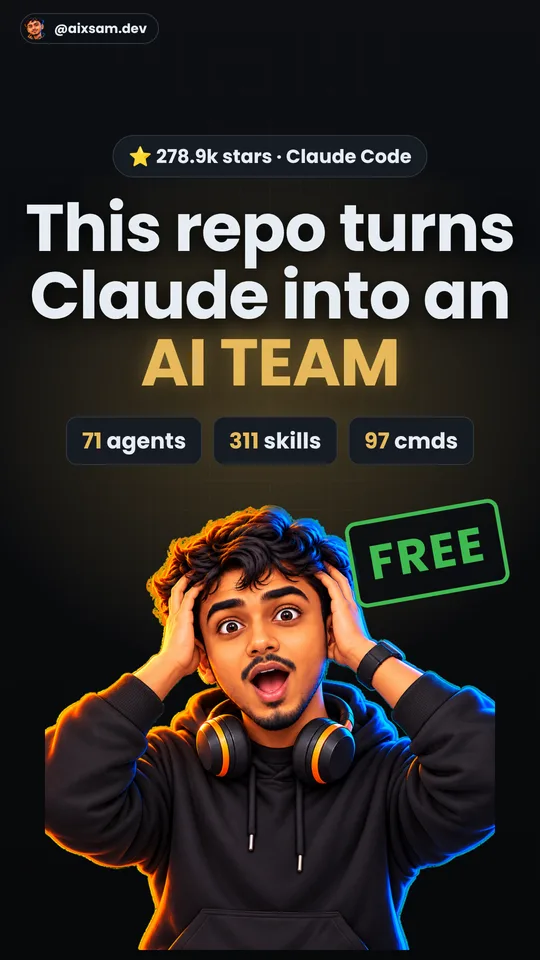
Turns Claude Code into a whole engineering team: a planner, a test-first coach, code reviewers, build fixers and hundreds of skills, installed in one go.
What is ECC (Everything Claude Code)?
ECC (Everything Claude Code) is a free, MIT-licensed add-on (github.com/affaan-m/ECC) that gives your AI coding agent a whole engineering process instead of one helper: it plans before it builds, writes tests, reviews its own work from a fresh context, remembers what matters, and turns repeated wins into reusable skills.
The loop it follows is plan → test → implement → review → verify → remember → improve, so you don't have to type that process into every prompt.
It works best with Claude Code, has native Codex and Qoder plugins, and lighter adapters for Cursor, OpenCode, Gemini, Zed, GitHub Copilot and others (not every feature works everywhere).
What ECC (Everything Claude Code) can do
- 71 agents specialists for planning, code review, build repair, security and more.
- 311 skills focused how-tos (like the TDD workflow) that load only when needed, so your context stays small.
- Hooks and rules automatic checks and project rules that run while the agent works.
- Memory shares context between sessions and even between different agents.
- AgentShield security scanning for the agent setup itself.
- 97 legacy commands the older slash commands, kept working while you move to skills.
What you need
- Claude Code 2.1 or newer.
- Node.js 18 or newer.
- Git.
Setup, step by stepcopy each command with the button on the right
Install it (pick ONE way)
Guided setup in your terminal (recommended):
npx ecc-universal@2.2.3 setupOr inside Claude Code:
/plugin marketplace add https://github.com/affaan-m/ECC
/plugin install ecc@ecc
Don't do both, and don't add a manual install on top: they install the same thing. The version number in the first command changes over time; the README always has the current one.
Restart Claude Code
Close and reopen Claude Code in your project so it loads the new agents and skills.
Plan your first feature
/ecc:plan "add login with Google"The planner agent writes a step-by-step plan before any code.
Build test-first, then review
Ask Claude to use the
tdd-workflowskill (tests first, then code), and run/code-reviewwhen it's done.
Try this first
Heads up: The open-source plugin is free. "ECC Pro" is a separate paid GitHub App for private repos; you don't need it.
Stuck?
"Plugin already exists" or a scope conflict
Use the guided setup (npx ecc-universal@2.2.3 setup) instead of the /plugin commands; it handles existing installs.
Something broke after a reset
From a clone of the ECC repo, run node scripts/ecc.js doctor and then node scripts/ecc.js repair before reinstalling.
Questions people ask
Is ECC free?
Yes. The repo is MIT licensed and stays free. ECC Pro is a separate paid GitHub App for private repos; you don't need it to use ECC.
Where should I install it from?
Only from official sources: github.com/affaan-m/ECC, the npm packages ecc-universal and ecc-agentshield, the plugin ecc@ecc, or ecc.tools. The project warns that re-uploads and mirrors may contain malware.
Which install should I pick?
One only: the guided npx setup or the /plugin commands. Both install the same plugin, and stacking them causes conflicts.
It fills up my context. Can I make it lighter?
Yes. The README has a low-context, no-hooks install path, and you can install just the agents or just some skills.
Does it work with Cursor or Codex?
Codex has a native plugin. Cursor and other editors get a reduced adapter, so check the support table in the README before relying on a feature.
Still stuck?
DM me on Instagram with a screenshot of the error and which step you're on.
DM @aixsamdevMore setup guides
MoneyPrinterTurbo
Type one topic and it makes the whole short video for you.
LINKEDINLinkedIn Skills
12 free Claude skills that write your LinkedIn posts, comments and replies in your voice, plan your week and fix your profile.
GRAPHGraphify
Turns your whole codebase into a knowledge graph, so Claude Code, Cursor or Codex ask the graph instead of re-reading every file.
CLONEReplica skill
11 free Claude skills that study an app, rebuild it, test it, read what its users hate and fix that, then help you launch your own version.
REPOVoicebox
A free AI voice studio on your own computer.
DEVClaude Code Dev Team
Five free tools that turn Claude Code from one developer into a full team.